| IMPACT
users trust in our AI
decisions
75%
via
'view reasoning'
feature
01
TRUST
80%
faster identification
of bottlenecks.
02
EFFICIENCY
9.2/10
average SUS score
from pilot testers
03
USABILITY
100%
reduction in manual
model switching
04
FLEXIBILITY
The Solution
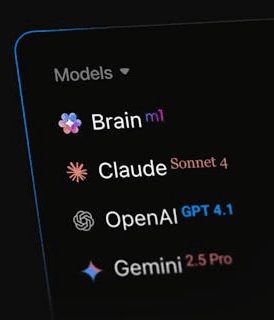
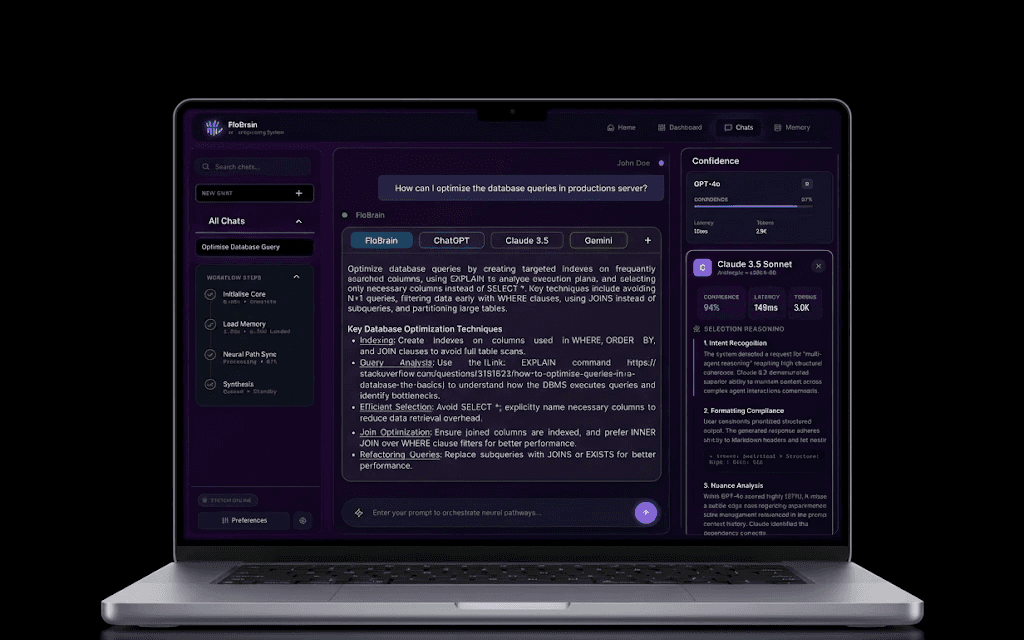
View Reasoning | Model Comparision
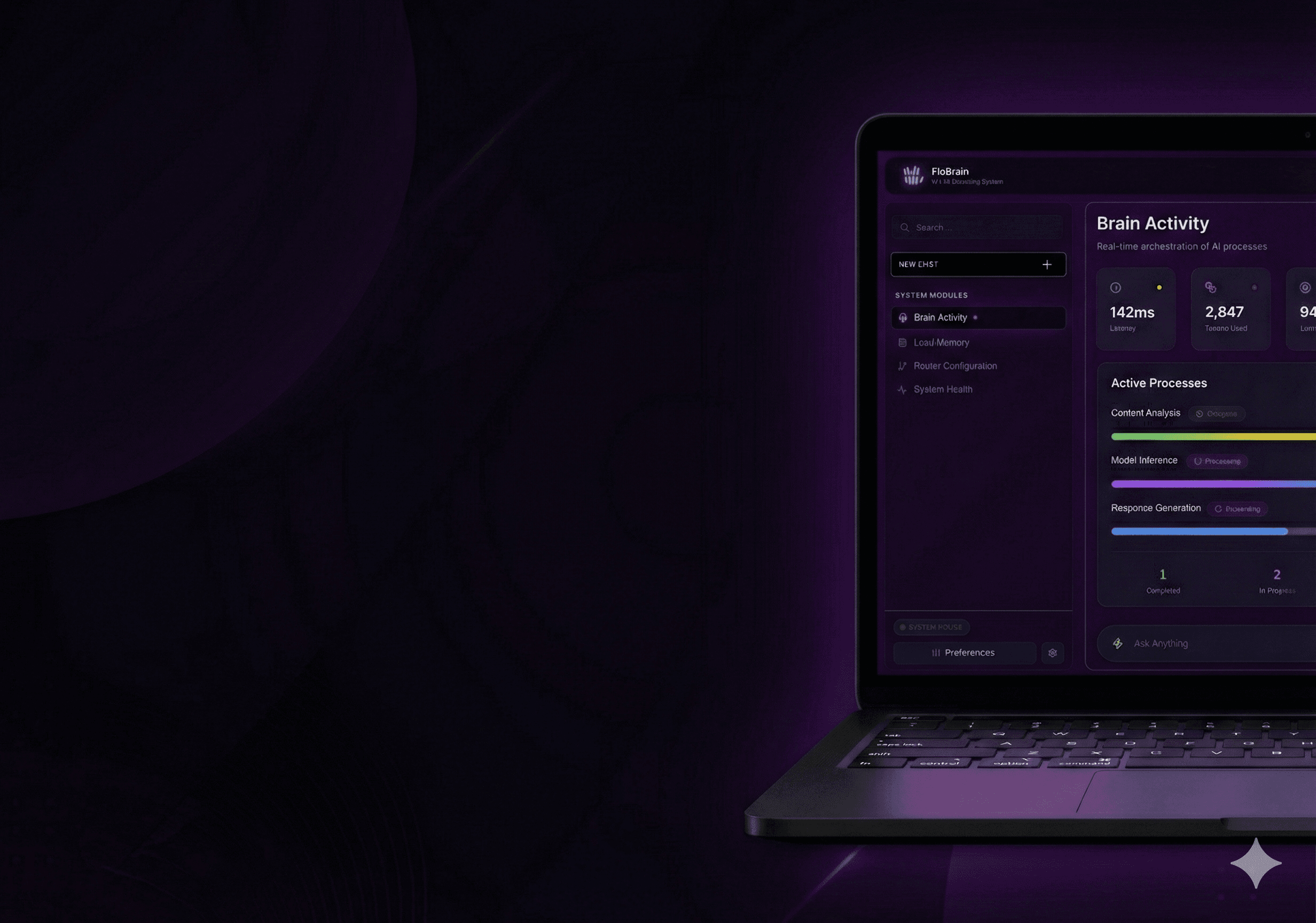
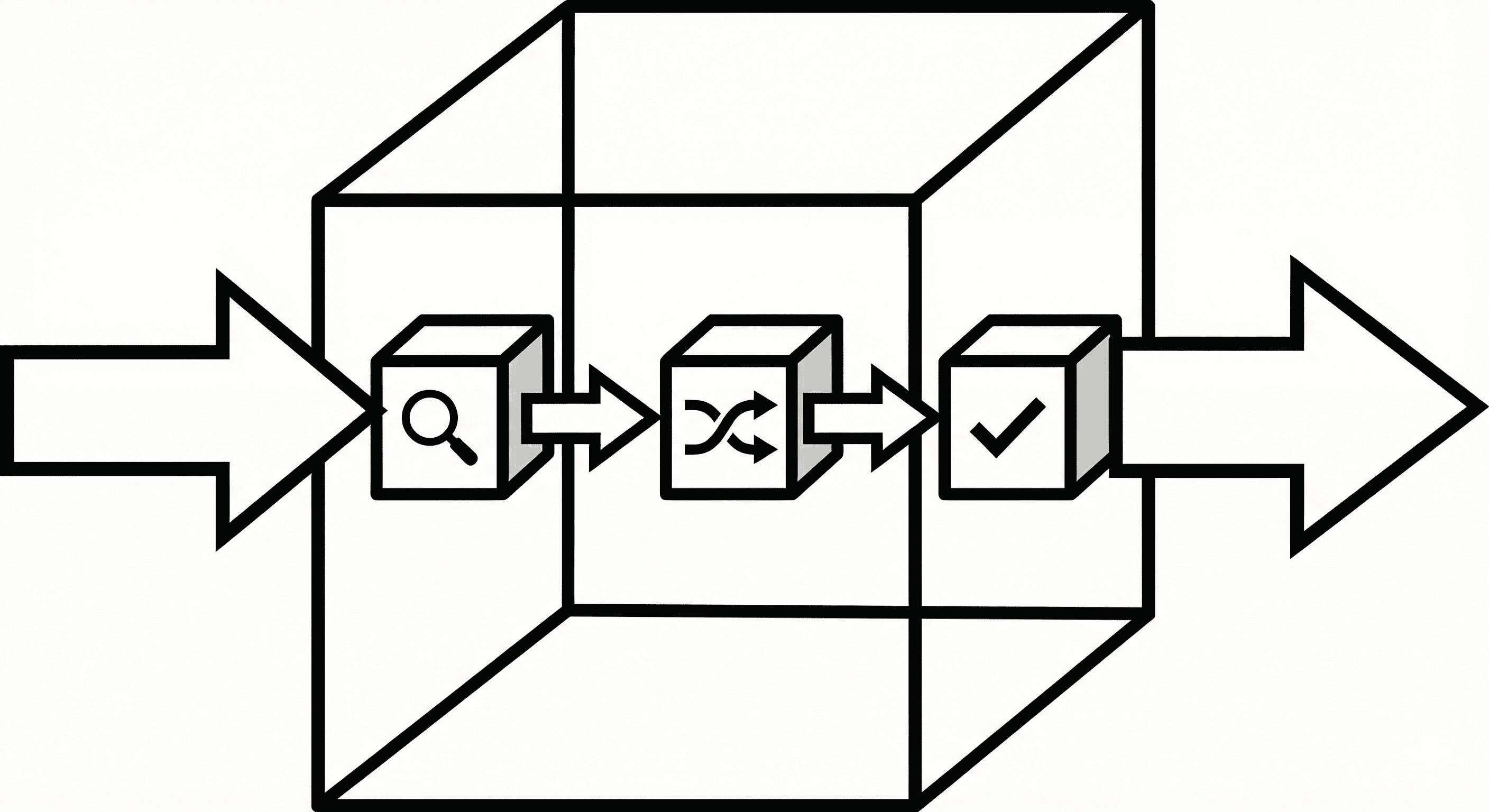
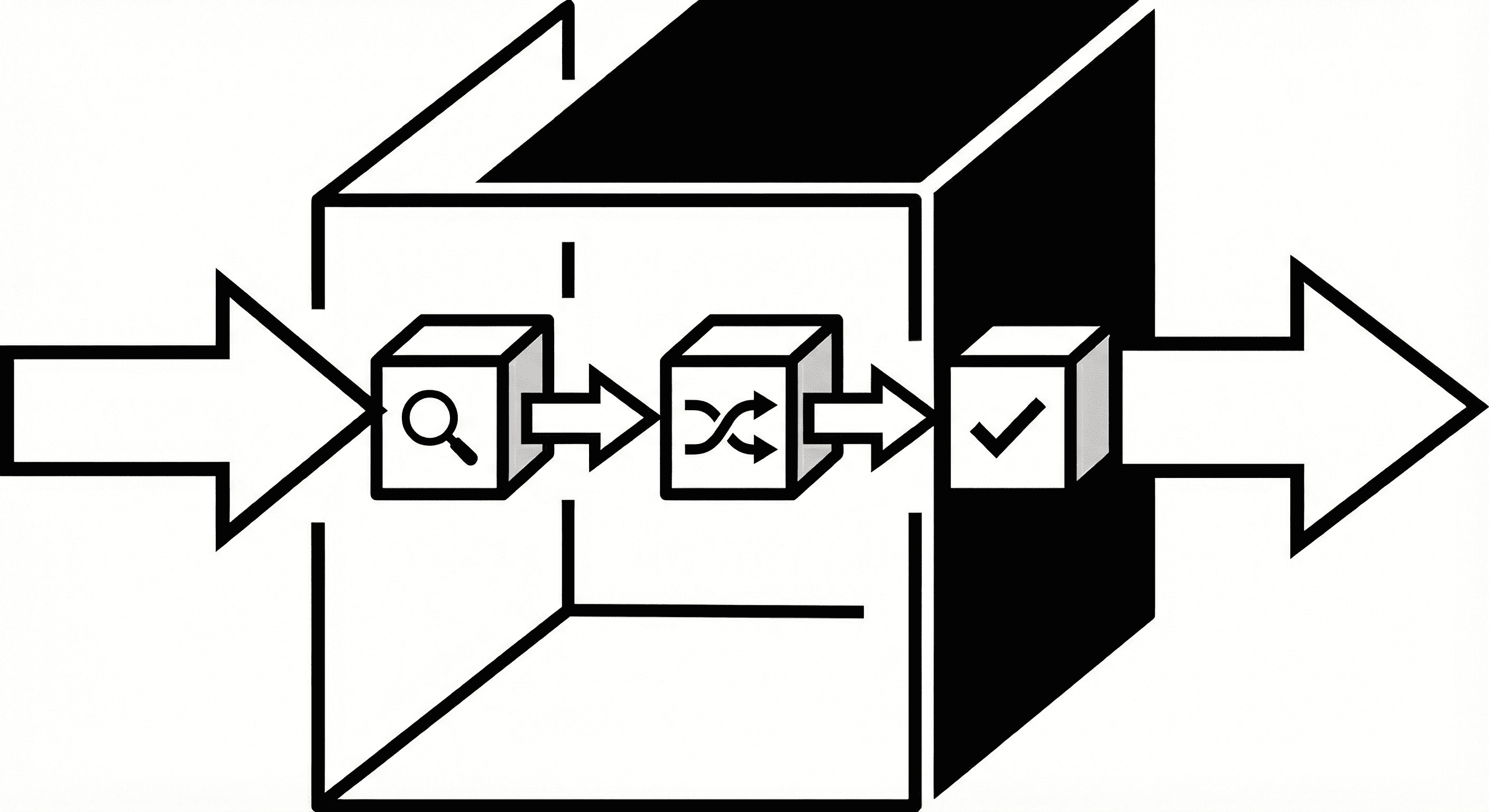
I designed a unified "Intelligence Layer" that acts as a central router for any LLM.
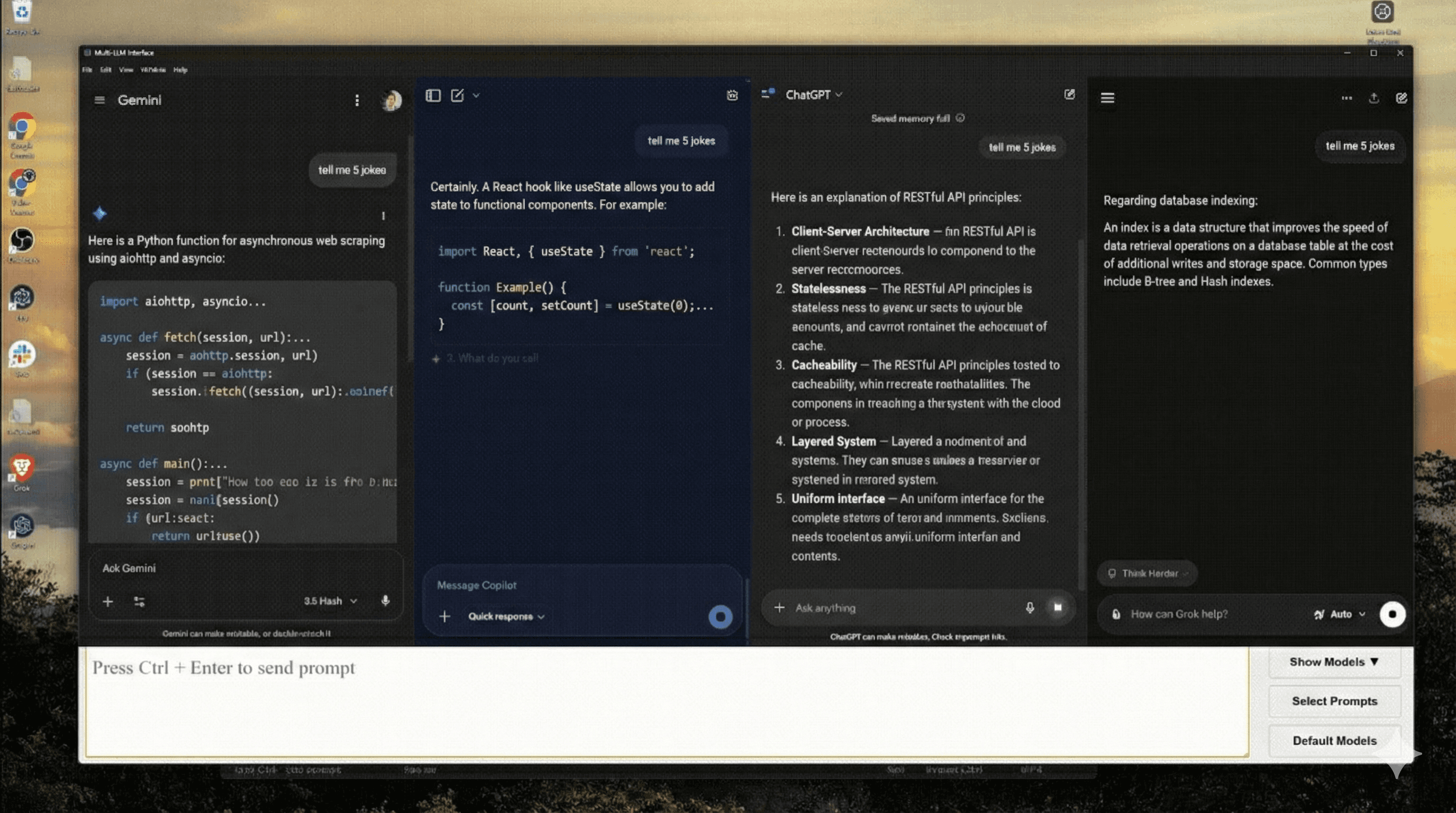
The interface allows for real-time, side-by-side model comparison with automated confidence scoring.
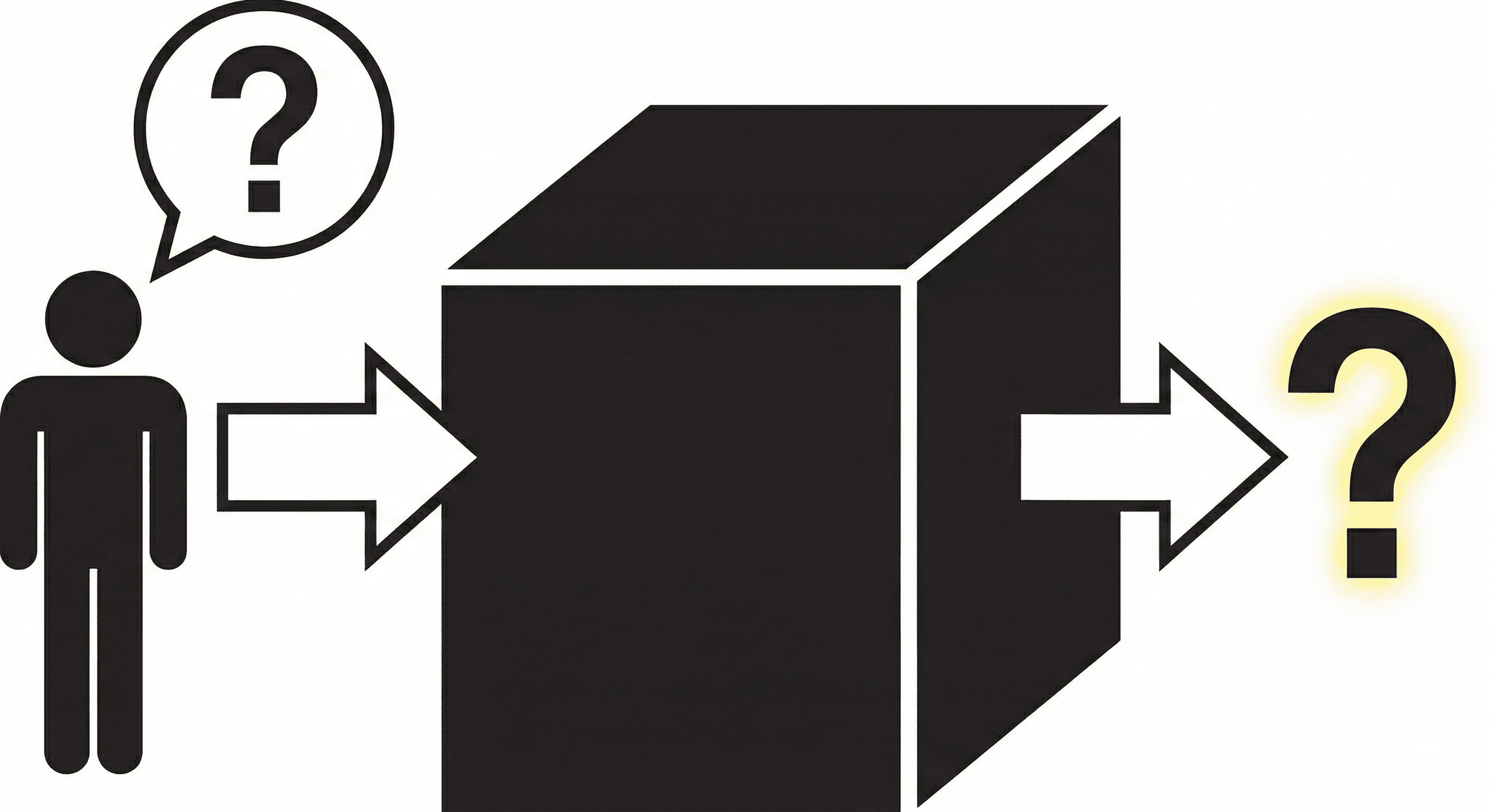
By exposing the reasoning behind model selection, I transformed a fragmented workflow into a transparent, observable system.
| Feature Categorization
Building the Intelligence Layer
1. System Observability
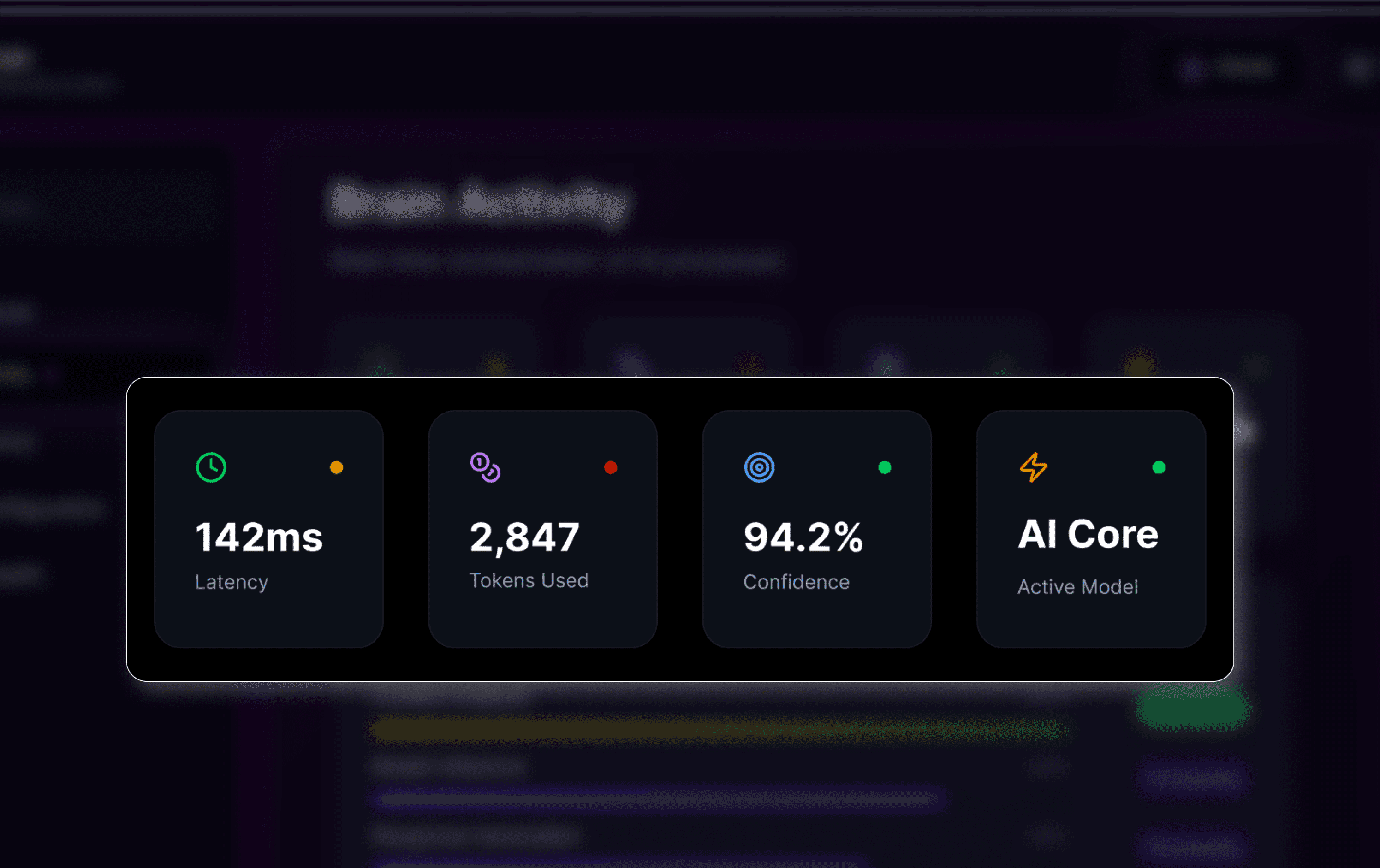
The Dashboard
The Objective
Provide a "control tower" view of AI health.
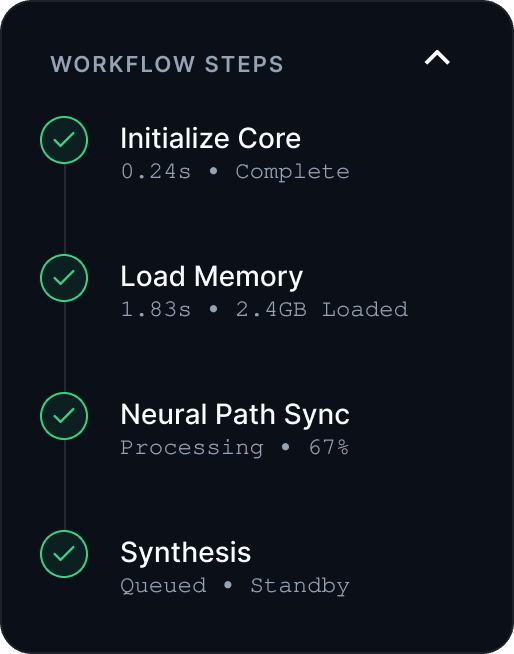
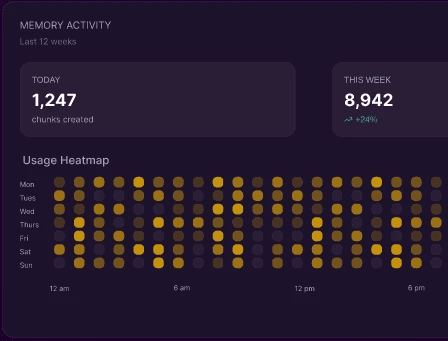
Features include real-time token tracking and the Workflow Engine to catch API failures before they hit the user.
Design Rationale: Reducing interaction cost via sidebars
Relational Knowledge
The Memory
The Objective
Move beyond linear chat logs to a persistent, relational database.
Features a 3D Knowledge Graph to visualize exactly what data the AI is retrieving in real-time.
Design Rationale: Spatial cognition for complex relationships
Unified Orchestration
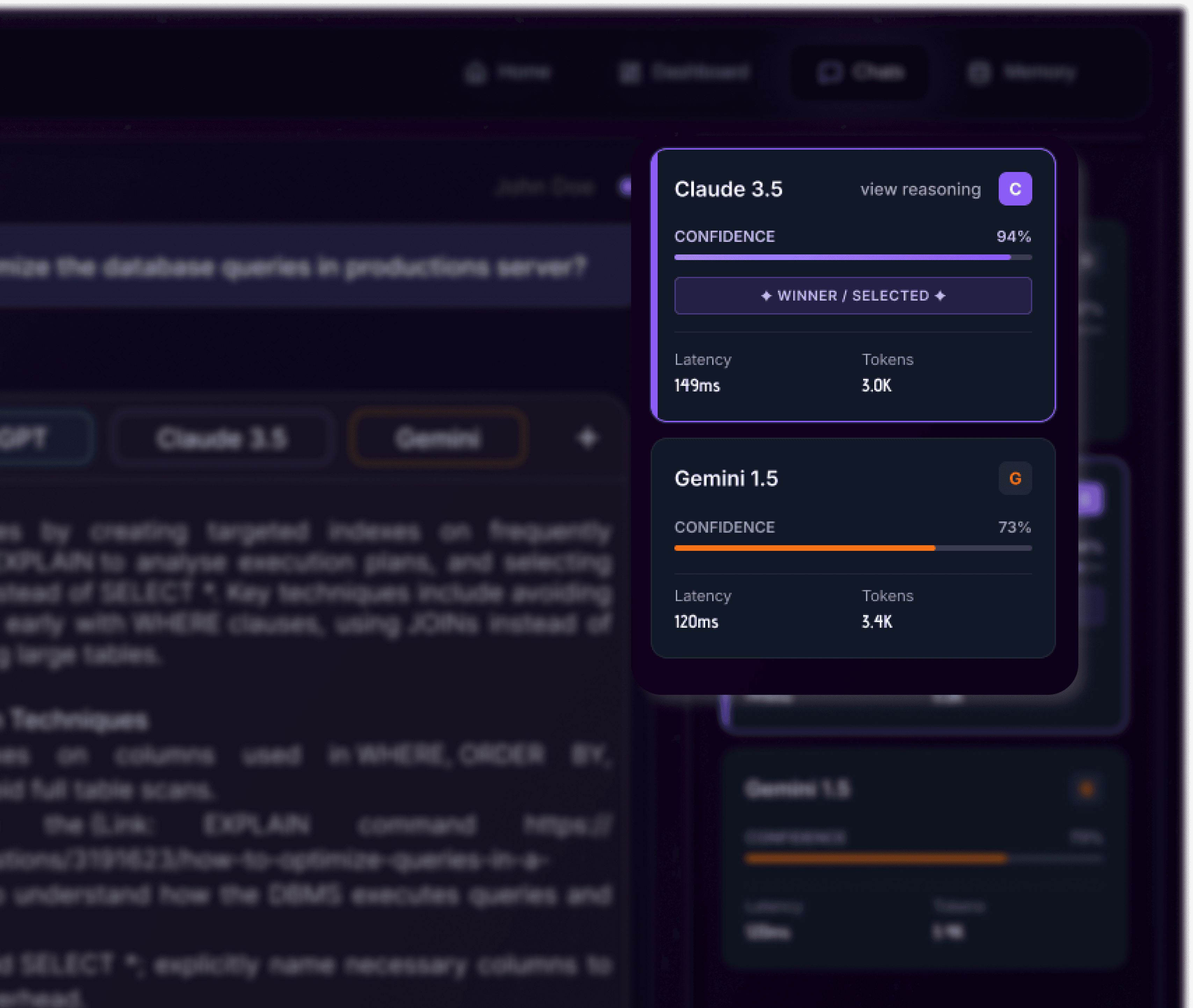
The Universal Router
The Objective
Eliminate "model lock-in" through a unified router.
Features include live Confidence Scoring and a "View Reasoning" panel to transform the AI from a black box to a transparent system.
Design Rationale: Progressive disclosure of complexity
| Trade-offs
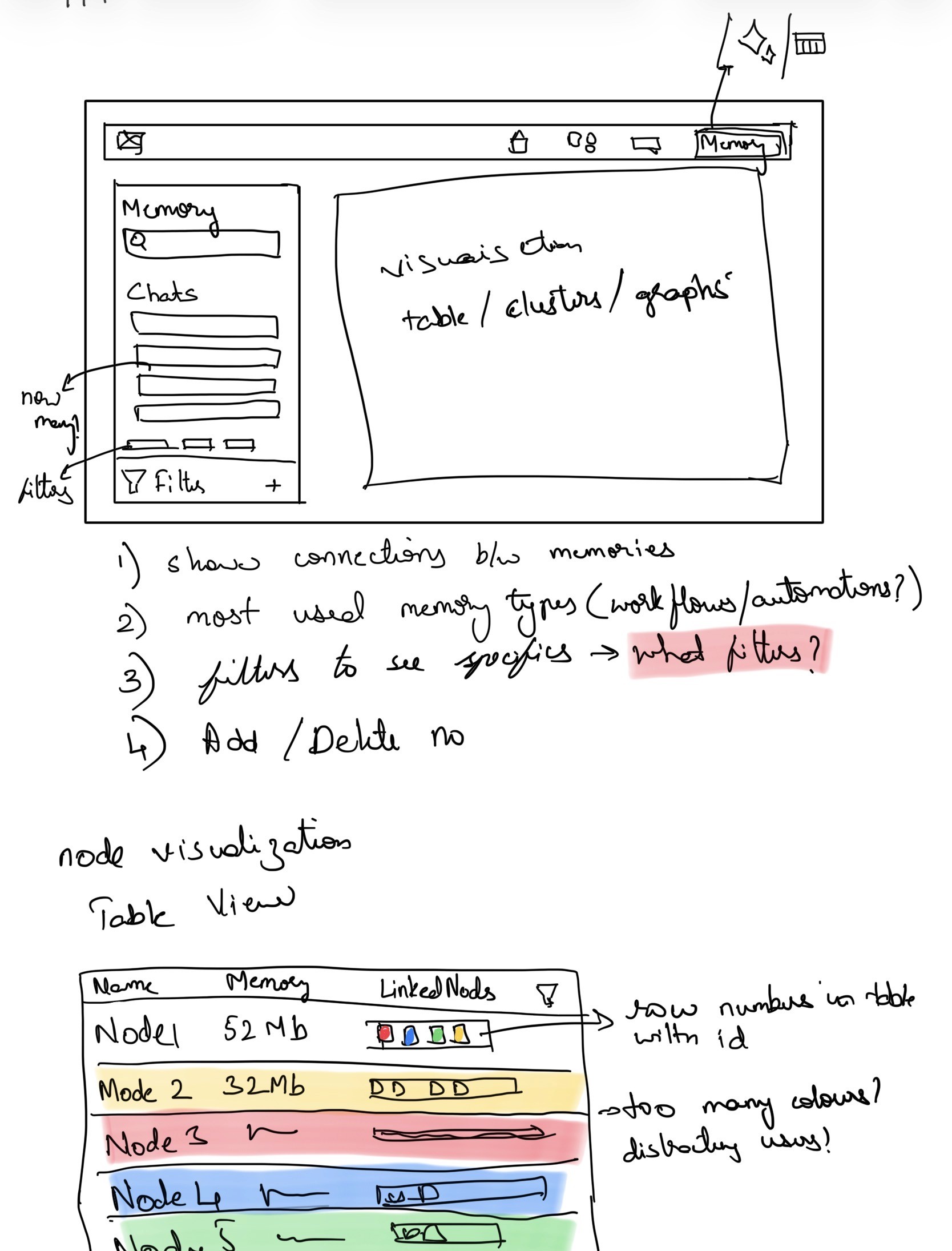
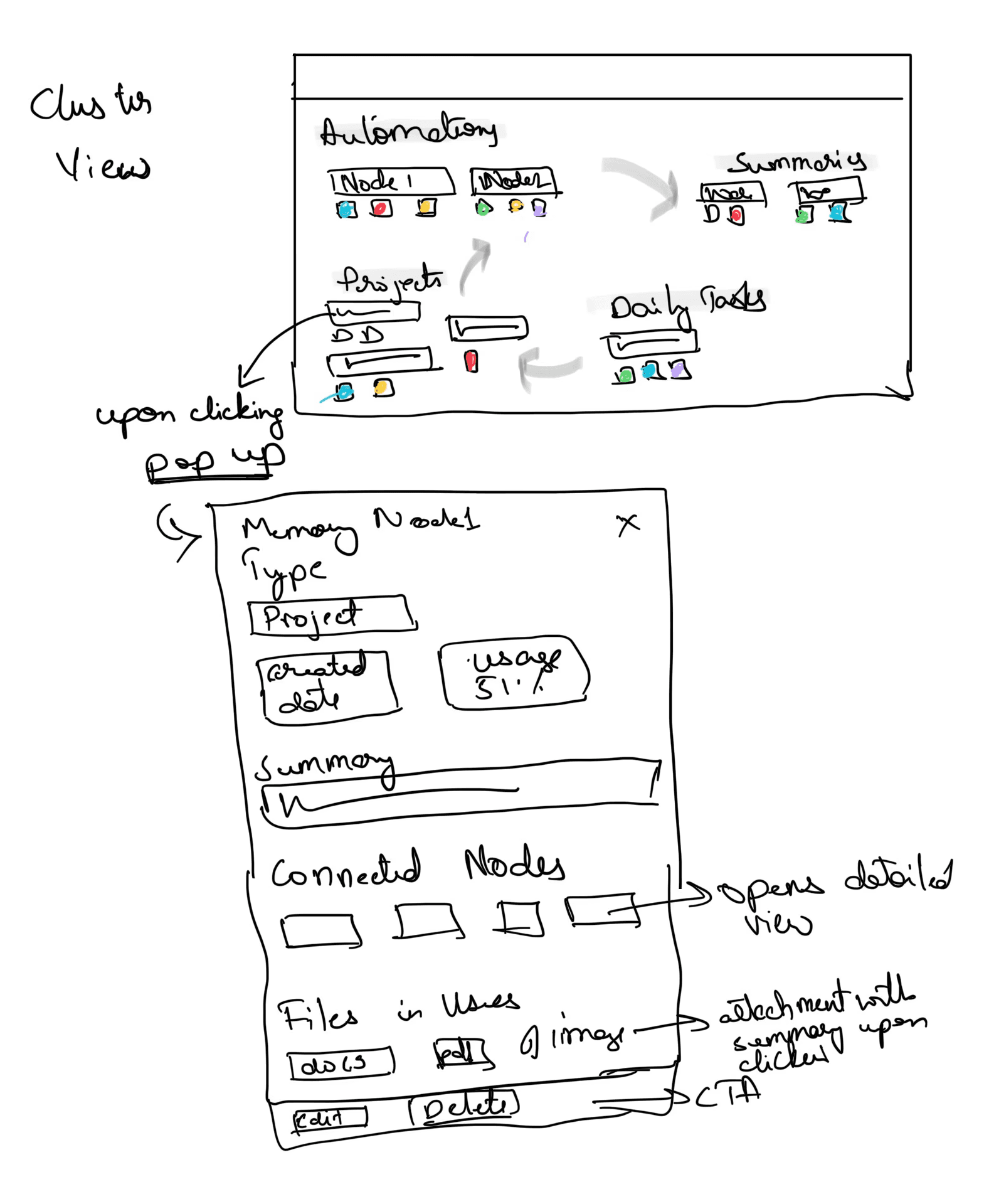
1. Tabular Efficiency vs. Spatial Clarity
Exploration:
I initially sketched a high-density Table View to manage memory nodes, which is standard for technical tools. However, I questioned if the heavy color-coding would be "distracting" rather than functional for the user.
Decision:
I traded tabular speed for a Spatial Cluster Map.
Rationale:
AI memory is relational, not linear. Grouping nodes into coloured nodes that differentiate themselves allows developers to visually audit the knowledge graph, making it easier to spot hallucinations or "context drift".
2. Chronological Feed vs. Real-time Process Monitoring
Exploration:
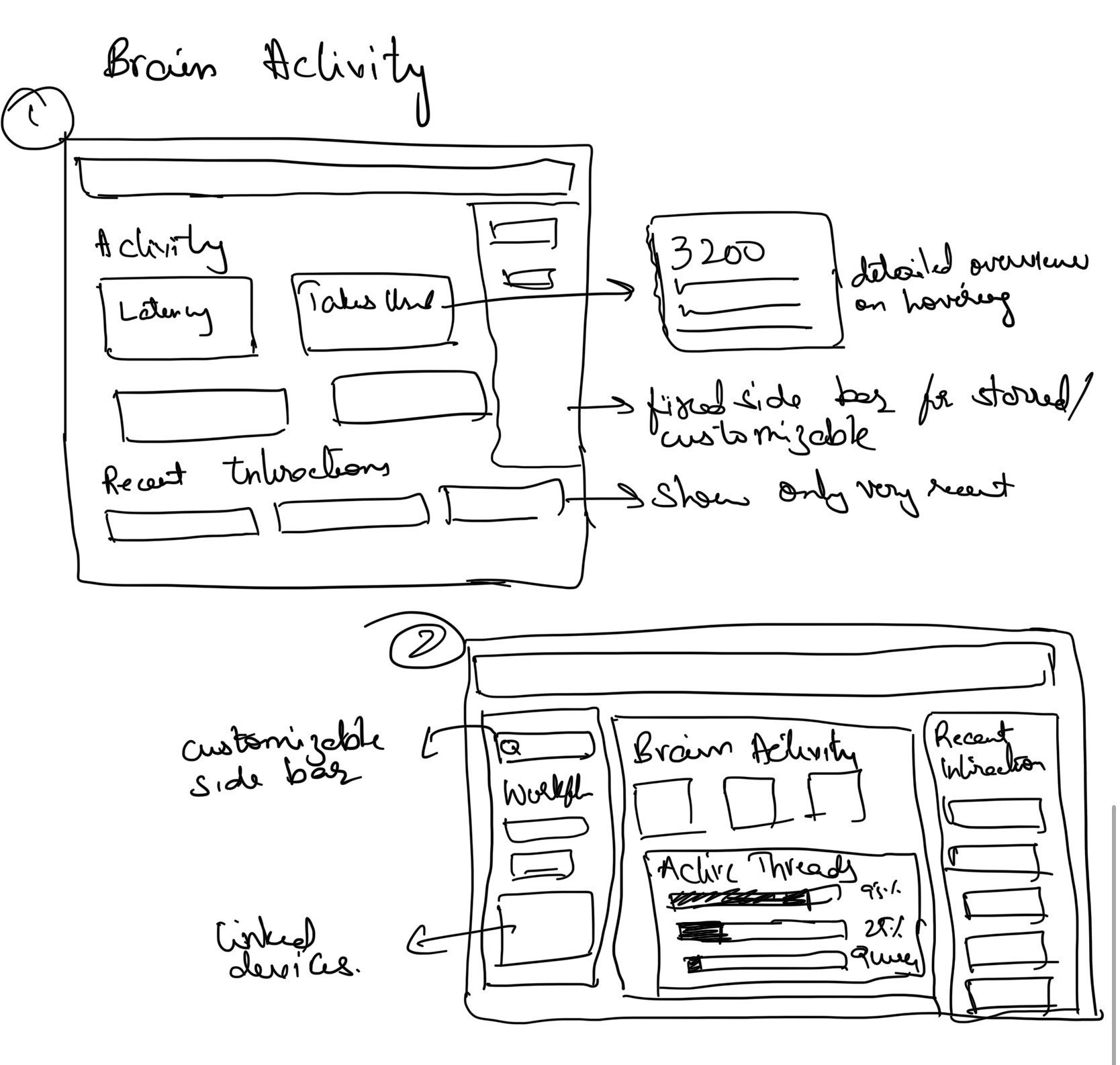
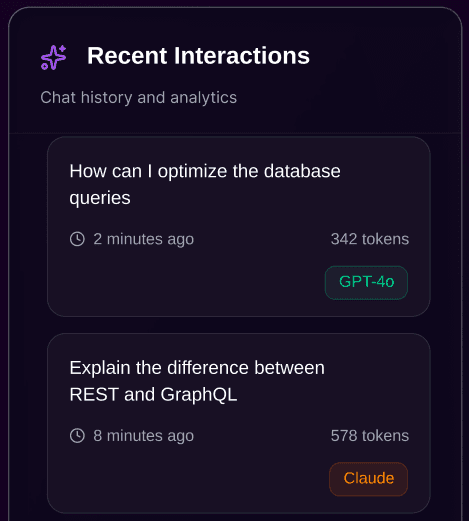
I initially treated the dashboard like a standard chat interface, dedicating primary real estate to a chronological "Recent Interactions" feed to help users track their past queries.
Decision:
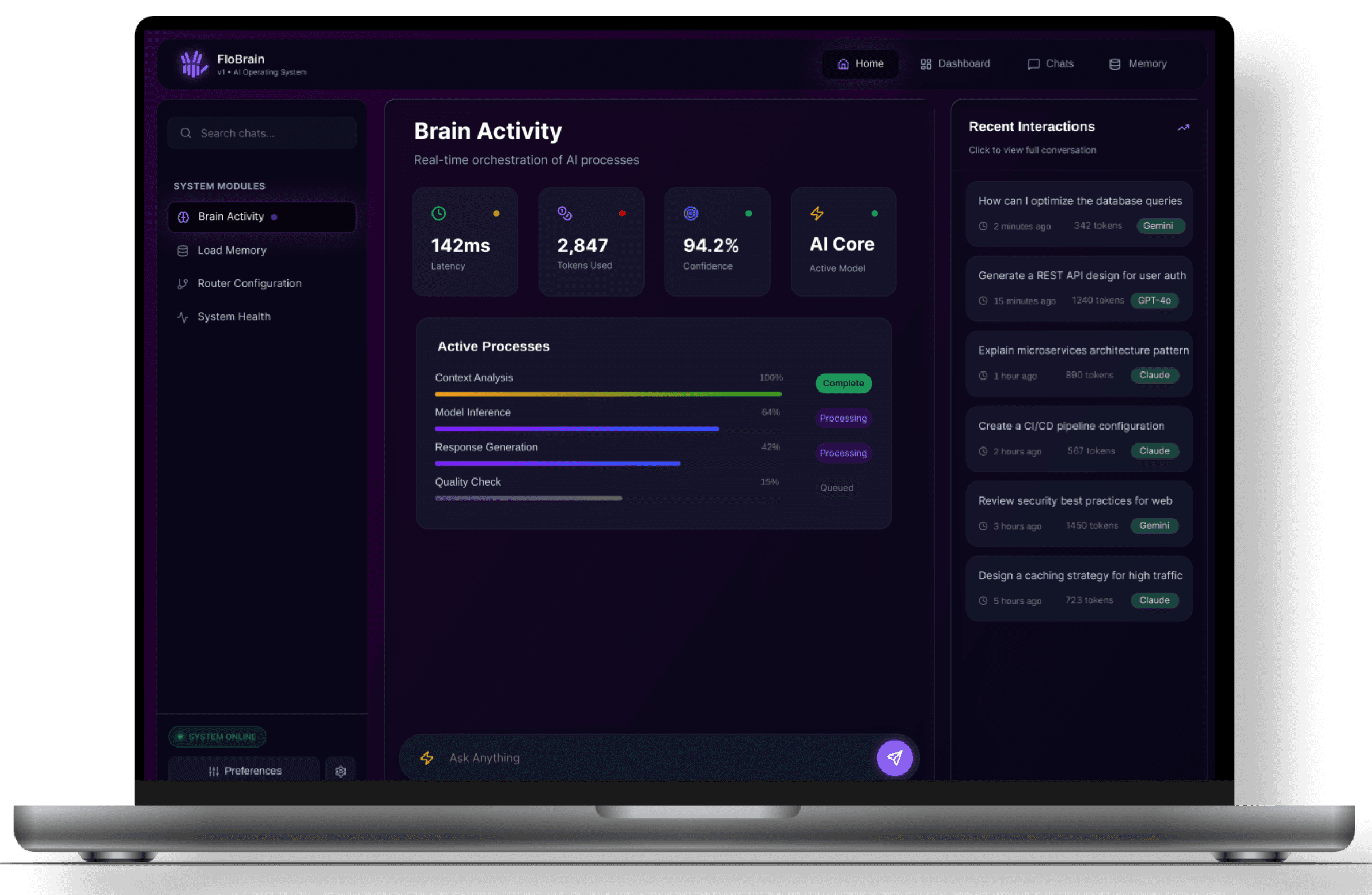
I pivoted the layout to prioritize "Active Processes" (Neural Path Sync, Context Analysis) and "System Health" as the central focus.
Rationale:
FloBrain is a technical "Operating System," not a standard chatbot. In a developer environment, monitoring the current orchestration (latency and token usage) is more critical than scrolling through history. This ensures a "Glass Box" experience where the user can identify a system bottleneck in one second.
Micro Details that matter
Final Designs
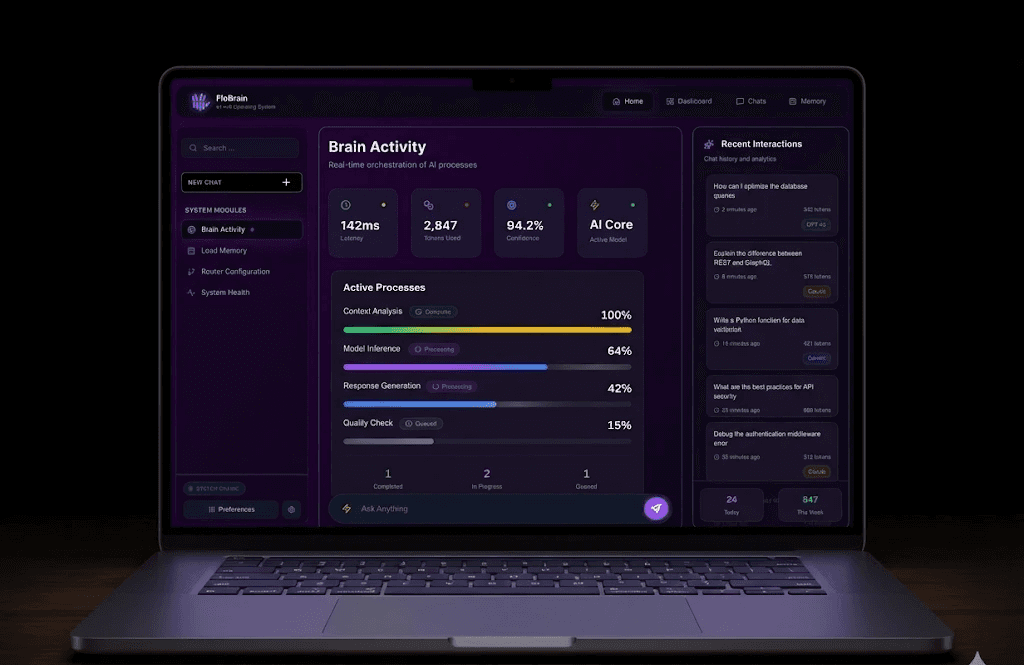
logged in user dashboard
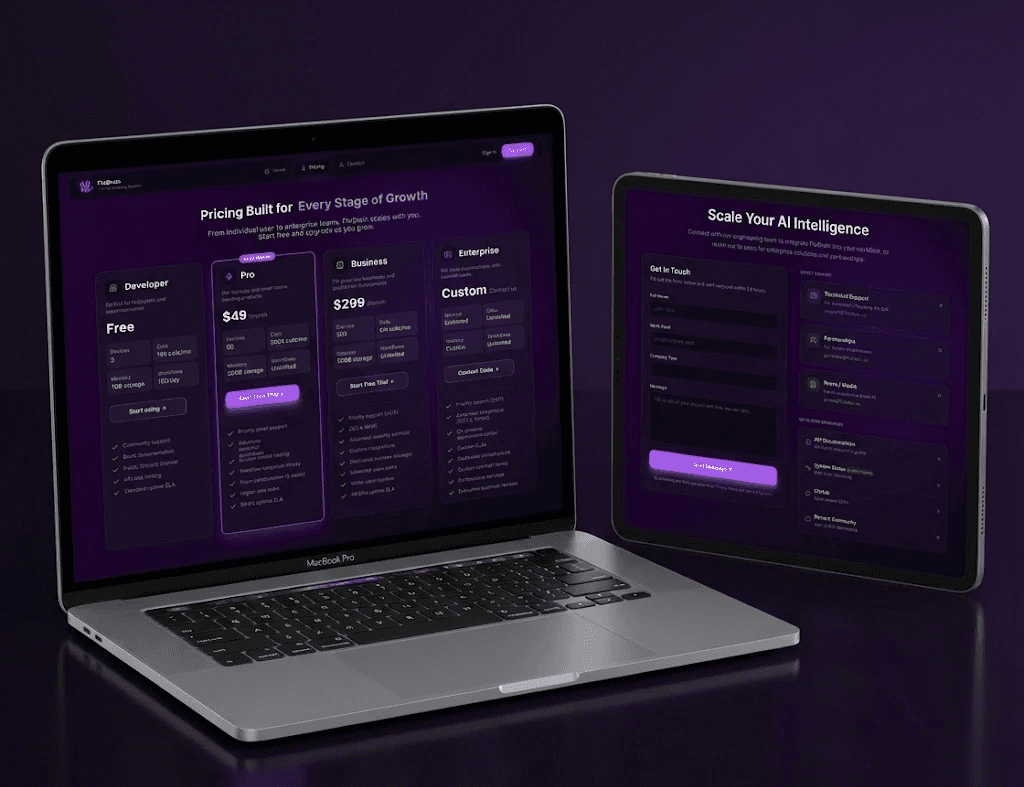
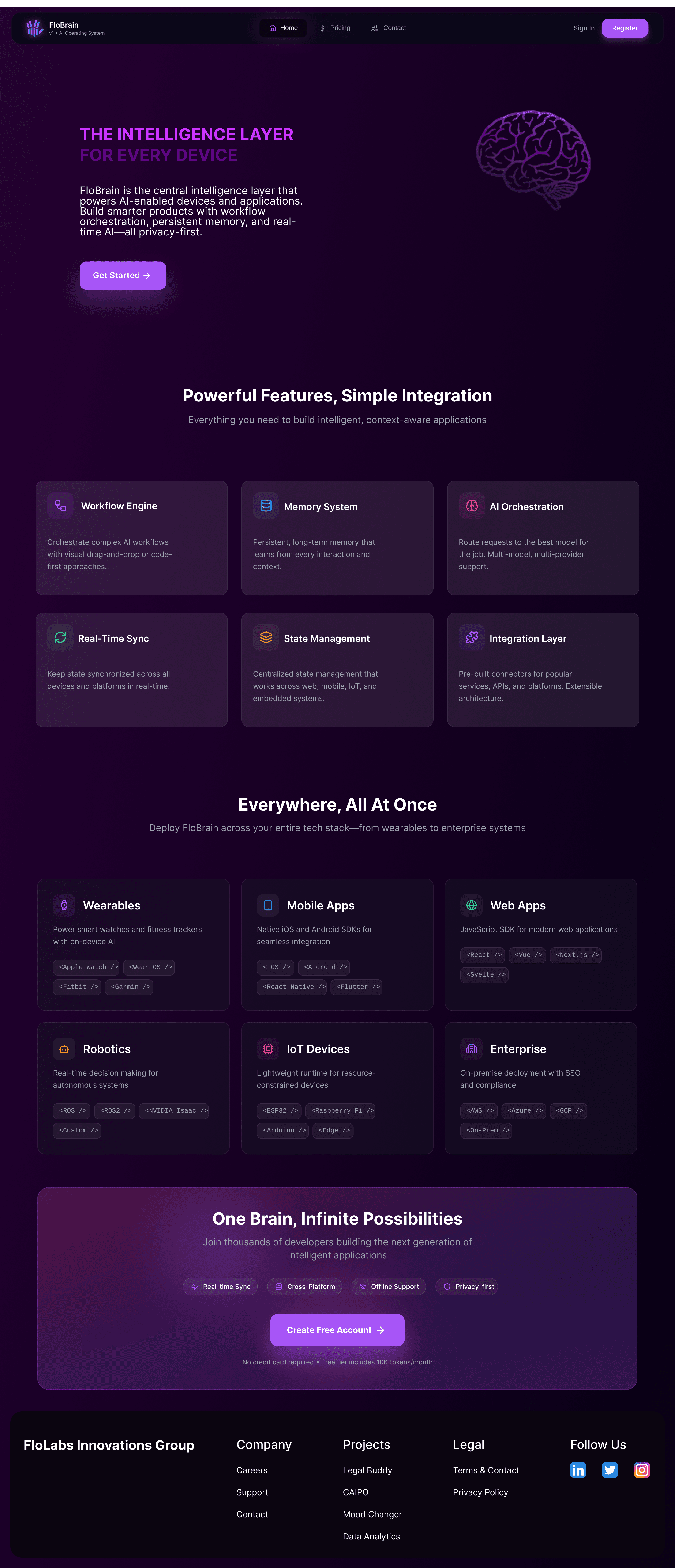
not logged in user's home page
Challenges and Some Gyan
How do I design a UI for a process that is traditionally invisible (Syncing, Context Analysis) without overwhelming the user with raw data?
How do I reduce cognitive load in High-Density Environment?
Is it fair to trade familiarity for clarity?
( Gyan: A Sanskrit term for knowledge & wisdom gained through experience )